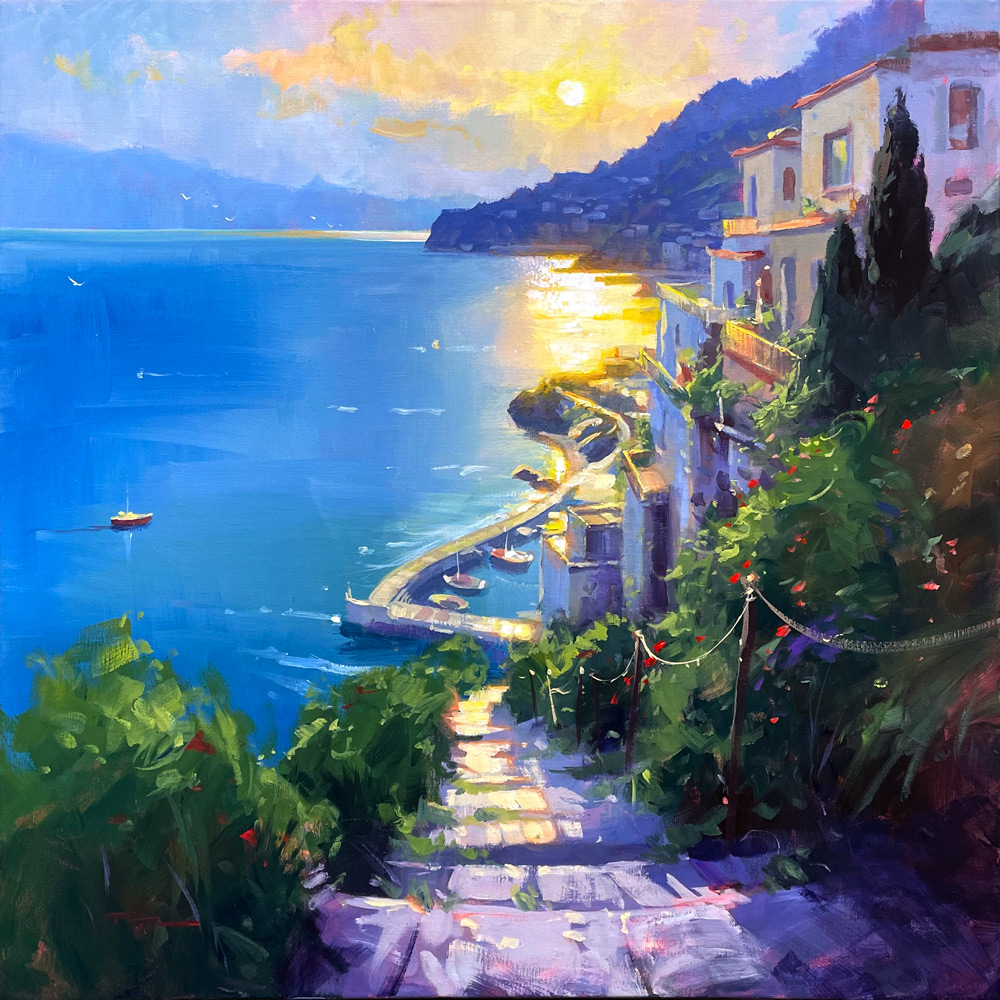
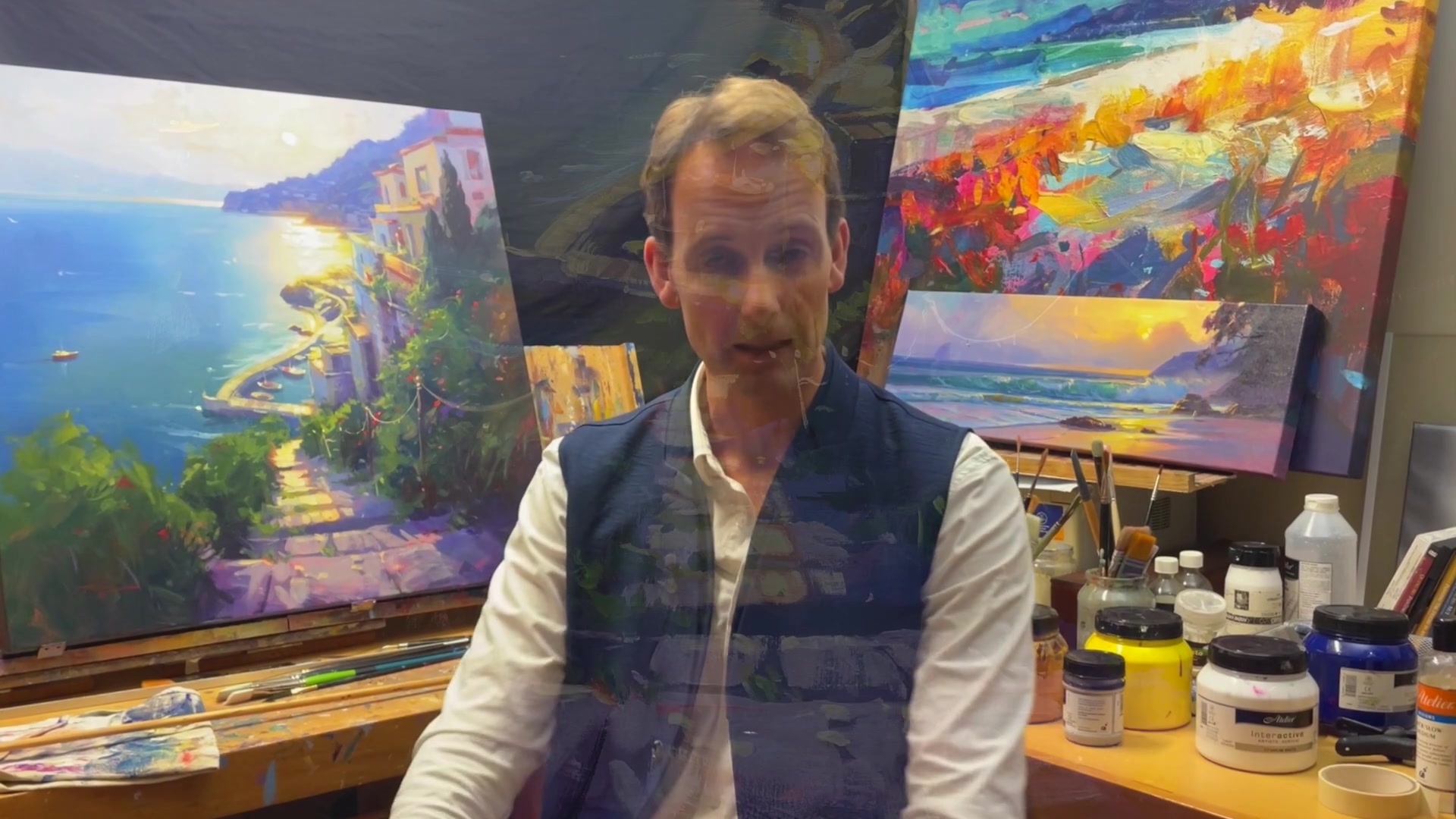
I am thrilled to share with you a painting journey inspired by my recent travels around the Greek islands, which led me to create a piece reminiscent of the stunning Cinque Terre on the Italian coast. This scene, painted in acrylics, captures the essence of the vibrant, glowing light and the charming architecture that characterizes this beautiful location. In this chapter, we will delve into creating this captivating scene, focusing on achieving a luminous glow and mastering a variety of brushwork techniques. Whether you prefer acrylics or oils, I will guide you through each step, offering insights on how to adapt the techniques for both mediums. This lesson is perfect for those who have some experience and are eager to expand their skills. Additionally, I will introduce you to the exciting world of using artificial intelligence to boost your creativity. Although PaintyBot is no longer active, you can use OpenArt.ai to generate inspiring images in minutes, saving you hours of searching. Join me as we explore these innovative tools and techniques to bring the enchanting Cinque Terre to life on canvas.
This guide accompanies the full video lesson. The lesson includes the complete narrated video, the printable PDF chapter, and personalised critique support.
"Cinque Terre" 30x30" Acrylic on Canvas by Richard Robinson
Step 1Using PaintyBot for Image Design
Access PaintyBot
Go to PaintyBot.com and sign up or log in to access the PaintyBot tool. This will allow you to start designing your image.
Upload Your Image
Find an image that inspires you, such as one from Pinterest. Upload it to PaintyBot by clicking 'upload image' and adding it to your page.
Set Image to Image
Select the uploaded image and choose 'image to image' to start creating a similar design. Adjust the settings to match your vision.
Input Your Prompt
Type a descriptive prompt that captures the essence of your image. For example, 'early evening, Cinque Terre glowing in the setting sun.' This guides PaintyBot in generating your image.
Adjust Fidelity
Set the fidelity to 0.5 for a balance between originality and similarity to the original image. Lower fidelity allows more creative freedom, while higher fidelity closely matches the original.
Experiment with Text to Image
Switch to 'text to image' mode and input a new prompt like 'masterpiece oil painting.' Explore different settings to refine your image.
Set Image Size
Determine the size of your image. Keep it under 1000 pixels on any side to ensure quick generation. Adjust the size by selecting nodes or typing dimensions.
Generate the Image
Type your prompts and click 'generate and fill' to create your image. This will produce an image within the specified box.
Refine the Prompt
Continue tweaking the prompt to achieve the desired effect. The prompt is crucial for guiding PaintyBot's output.
Pro tipKeep image dimensions under 1000 pixels on any side for faster generation.
Embark on your painting journey by harnessing the power of digital tools like PaintyBot to design your ideal composition. Start with an inspiring image and refine it through creative prompts and model selections to craft a unique vision of Cinque Terre. Once your digital design is ready, translate it onto a 30 by 30 inch canvas, laying down a glowing base coat to set the stage for your masterpiece.
As you bring the sky and ocean to life, focus on smooth transitions and vibrant colors. Use a variety of brush strokes and color mixes to capture the dynamic interplay of light and shadow. Pay attention to the drying properties of acrylics, ensuring your colors remain vibrant and true to your vision. Gradually build up the landscape, adding depth and interest with each layer.
Complete your painting by adding the intricate details of the Cinque Terre architecture and lush foliage. Use a combination of broad strokes and fine details to convey the essence of the scene, capturing the unique charm of the coastal village. Balance warm and cool tones, and use highlights to bring your painting to life, ensuring a cohesive and captivating final piece.
Points to remember
Keep image dimensions under 1000 pixels on any side for faster generation.
Experiment with different models and styles to find a composition that resonates with your artistic vision.
Use a large brush to soften the base coat for a smooth transition.
Acrylics dry darker than when wet, so paint slightly lighter than desired.
Maintain a wet surface to ensure smooth blending and avoid rough brushwork.
Keep your color mixes simple with just two colors plus white for easy remixing.
Use a square brush for building details to naturally create square shapes.
Use gestural, soft-edged strokes to build the larger forms of the foliage.