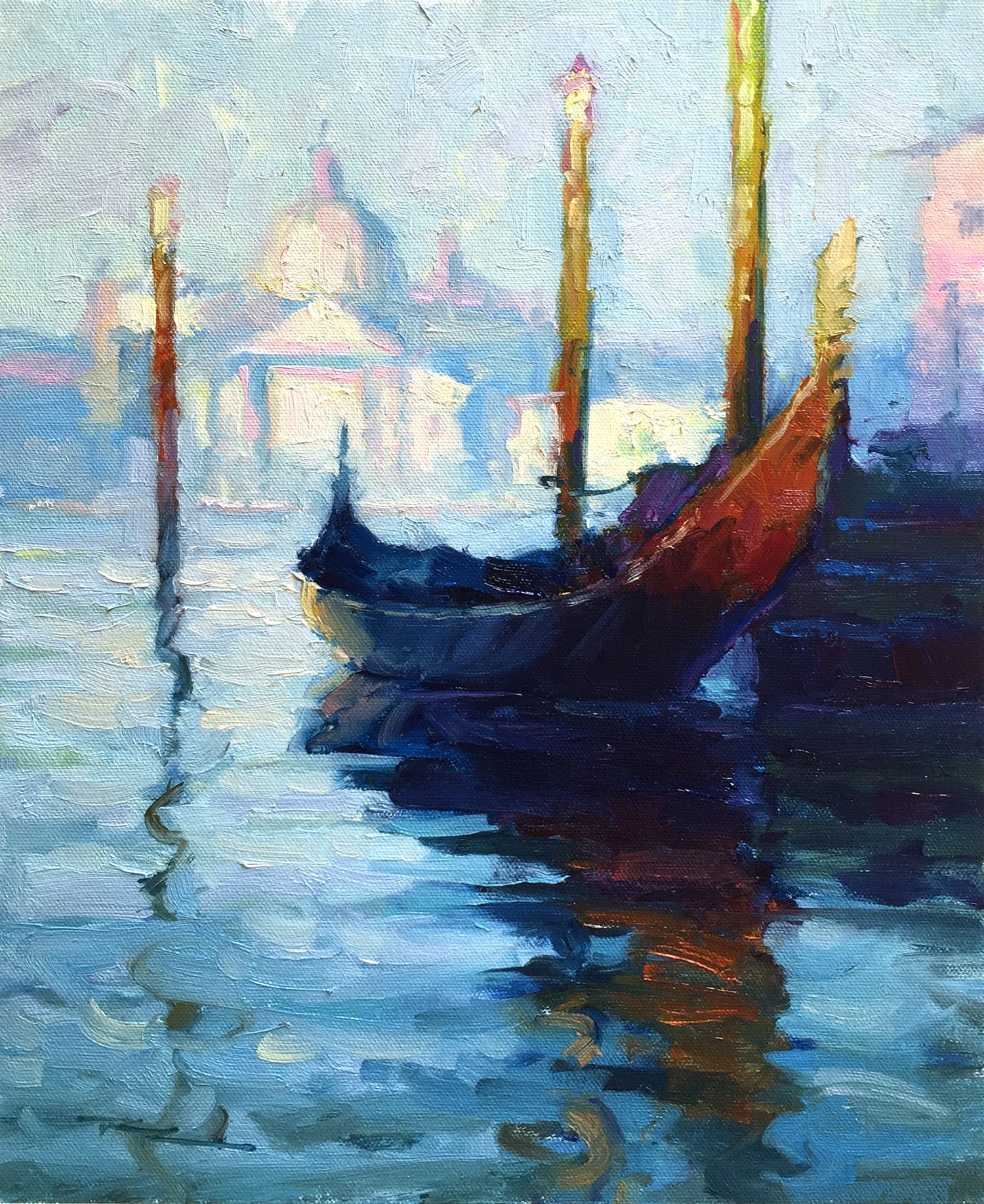
When I first encountered Monet's unfinished gondola painting, I was captivated by the strength of its design and the simple elegance of its dark shapes and negative spaces. Yet, it lacked the light and color that Monet would have infused into it, making it a piece yearning to be completed. In this chapter, we embark on an exciting journey to finish what Monet started, imagining how his final vision of Venice might have looked. By examining Monet's other Venetian works, I crafted a sketch in Photoshop, combining elements from two of his paintings and introducing light into the foreground. Together, we'll explore the techniques needed to bring this scene to life, honoring the grand master of Impressionism. As you follow along, I encourage you to delve into Monet's Venice paintings, available on our online resource page, and perhaps even devise your own interpretation of this enchanting scene. Let this be a reminder that even Monet found new subjects challenging, and with perseverance, we too can capture the beauty of Venice on canvas.
This guide accompanies the full video lesson. The lesson includes the complete narrated video, the printable PDF chapter, and personalised critique support.
"Gondola in Venice" 11x14" Oil on Canvas by Richard Robinson after Claude Monet.
Step 18Finishing the Painting
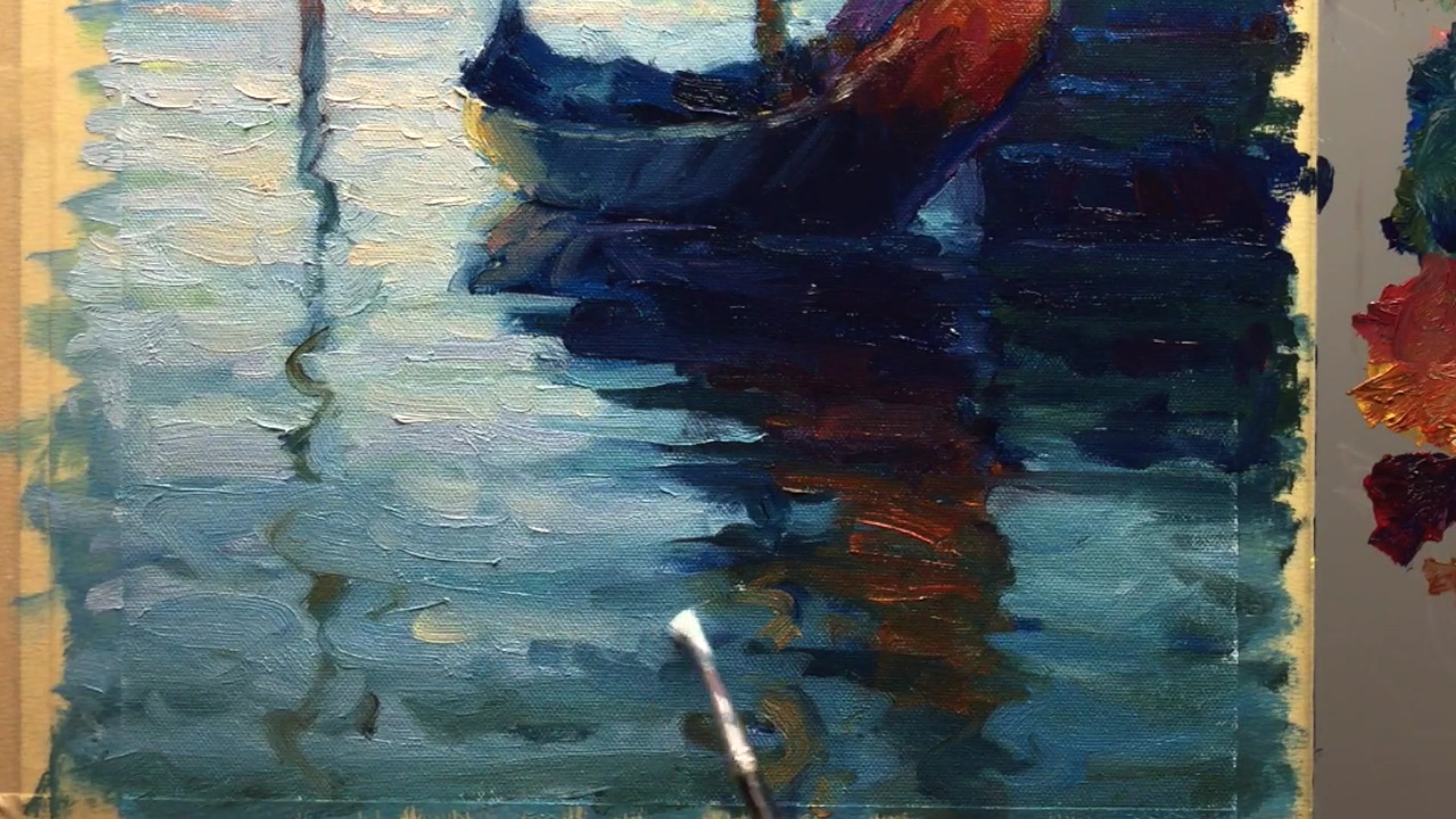
Add Final Touches
Add a little bit of warmth and darkness to enhance the painting's depth and contrast. This will give your artwork a richer and more dynamic appearance.
Sign Your Painting
Sign your painting to mark it as your own. This is an important step in completing your artwork and gives it a personal touch.
Remove the Tape
Carefully peel off the tape from the edges of your canvas. This will reveal clean, sharp borders and make your painting look polished and professional.
Pro tipSign your painting to give it a personal touch and complete the artwork.
Embark on your painting journey with the spirit of Monet, who found inspiration in the enchanting city of Venice despite initial hesitations. Allow yourself time to adjust to new subjects, just as Monet did, and embrace the challenges they present. Begin your work with a warm-toned canvas to set the stage for a harmonious composition.
As you progress, focus on building texture and depth through layered paint and thoughtful color choices. Use larger brush strokes for foreground elements and smaller ones for distant features to create a sense of depth. Emulate Monet's technique of broken color to achieve vibrant effects, and let your brushwork flow freely to capture the dynamic essence of the scene.
In the final stages, pay attention to the details that bring your painting to life. Reflect the warm light in the water, adjust reflections for realism, and maintain drawing accuracy to ensure your composition remains true. Finish with personal touches, such as signing your work, to complete your artistic expression.
Points to remember
Allow yourself time to find inspiration when painting new scenes.
Use a light pinkish acrylic wash to tone your canvas before sketching.
Apply thick, broken paint to build texture and complexity.
Use larger brush strokes for areas closer to you to create depth.
Keep your brush clean when transitioning between light and dark areas.
Reflect warm light in the water with slightly darker tones.
Use broken color by placing different colors next to each other without blending.
Sign your painting to give it a personal touch and complete the artwork.