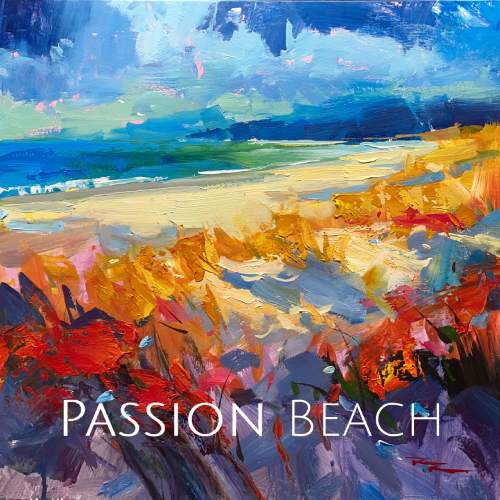
I invite you to join me on a creative journey as we capture the enchanting beauty of Ruakaka Beach at the start of summer. This chapter is all about embracing a vibrant, passionate style to bring this expressive beach scene to life. We'll delve into designing with a large light effect, where the light in the center contrasts with a soft shadowed foreground and a darkened sky, creating a dynamic and punchy composition. You'll learn how to lay down a base coat of complementary colors using acrylics, enhancing the vibrancy of your painting. I'll guide you through the art of expressive brushwork, using various tools to achieve impasto effects that add depth and texture. We'll explore the technique of under-mixing paint to create unique painterly effects, and discuss the importance of varying edges—soft against sharp—to elevate your work. With step-by-step guidance and resource photos, you'll gain the skills to either follow along or apply these techniques to your own creations. Let's dive in and discover the joy of painting with passion and expression.
This guide accompanies the full video lesson. The lesson includes the complete narrated video, the printable PDF chapter, and personalised critique support.
"Passion Beach" 15x15" Acrylic on Canvas by Richard Robinson
Step 3Base coat and color layering
Plan Your Painting
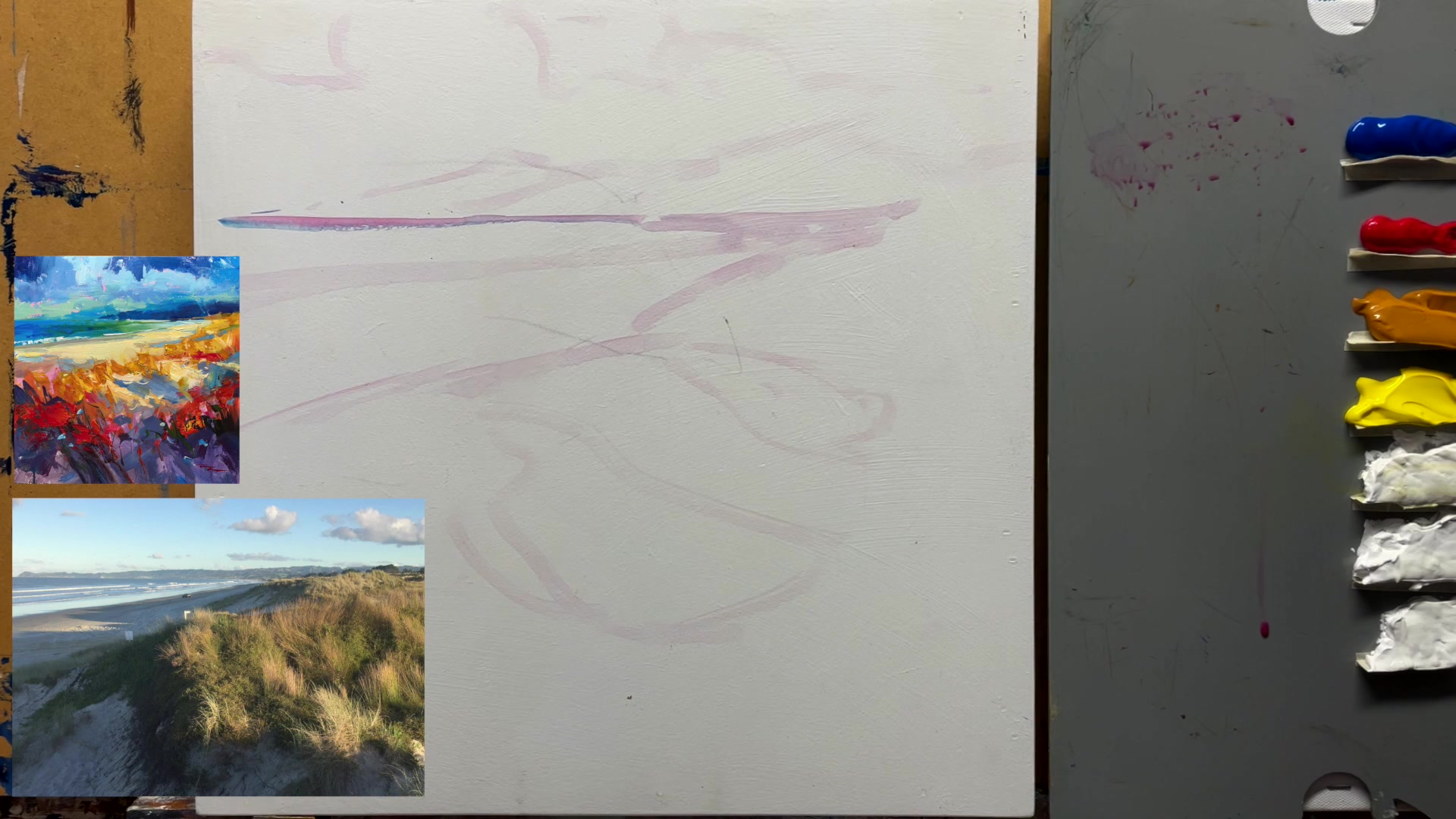
Begin with a clear vision of your painting's composition. Decide on a blue sky and plan to add pink undertones for a shimmering effect when the blue is layered over it.
Apply Pink Undertones
Apply pink paint to the sky area, allowing it to peek through the blue layer later. This will create a visual shimmer on the final surface of the painting.
Layer Blue and Cyan
Add blue and cyan to the lower part of the painting to achieve a rich mauve color. Use loose, gestural strokes to apply these colors.
Introduce Variation with Yellow Ochre
Mix in yellow ochre to grey down certain areas, adding variation and interest to the painting. This is not based on any reference, but rather to enhance color variety.
Embrace Painterly Effects
Allow the wet paint to dribble and create natural patterns. Adjust the canvas angle to control the direction of dribbling, or lay it flat to avoid vertical drips.
Undercoat the Central Section
Apply a layer of yellow ochre to the central section as an undercoat, preparing it for further layers.
Pro tipAdjust the angle of your canvas to control paint dribbling and create different effects.
Embark on your painting journey by arranging a vibrant palette and selecting a variety of brushes to create diverse marks. Begin with a high horizon line in your initial sketch to emphasize the foreground, and use expressive strokes to lay down the base coat. Layer colors thoughtfully, allowing undertones to shine through for a shimmering effect.
As you work with wet paint, consider the balance between letting layers dry and continuing to paint for dynamic mixing. Enhance the sky with darker tones for contrast, and let parts of the base coat peek through for added texture. Use half-mixed colors to create natural textures in clouds and waves, and maintain a clean palette to keep colors vibrant.
In the final stages, focus on adding depth and interest with varied brushstrokes and impasto techniques. Introduce color contrasts and random marks to bring your painting to life. Finish with fine details like seagulls and surf lines using a Rigor Brush, ensuring your Passion Beach scene captures the essence of a lively coastal landscape.
Points to remember
Use a variety of brushes to create diverse and interesting marks on your canvas.
Avoid rounding the beach corner; depict it as a sharp, knife-like shape.
Adjust the angle of your canvas to control paint dribbling and create different effects.
Efficient brush strokes can prevent muddiness when working with wet paint.
Use your brush in a variety of ways to achieve diverse textures and effects.
Leave colors half-mixed on the brush for natural texture.
Use a clean surface to avoid muddy colors when painting the ocean.
Step back every few minutes to view your painting from a distance, enhancing the perception of realism and gestural quality.