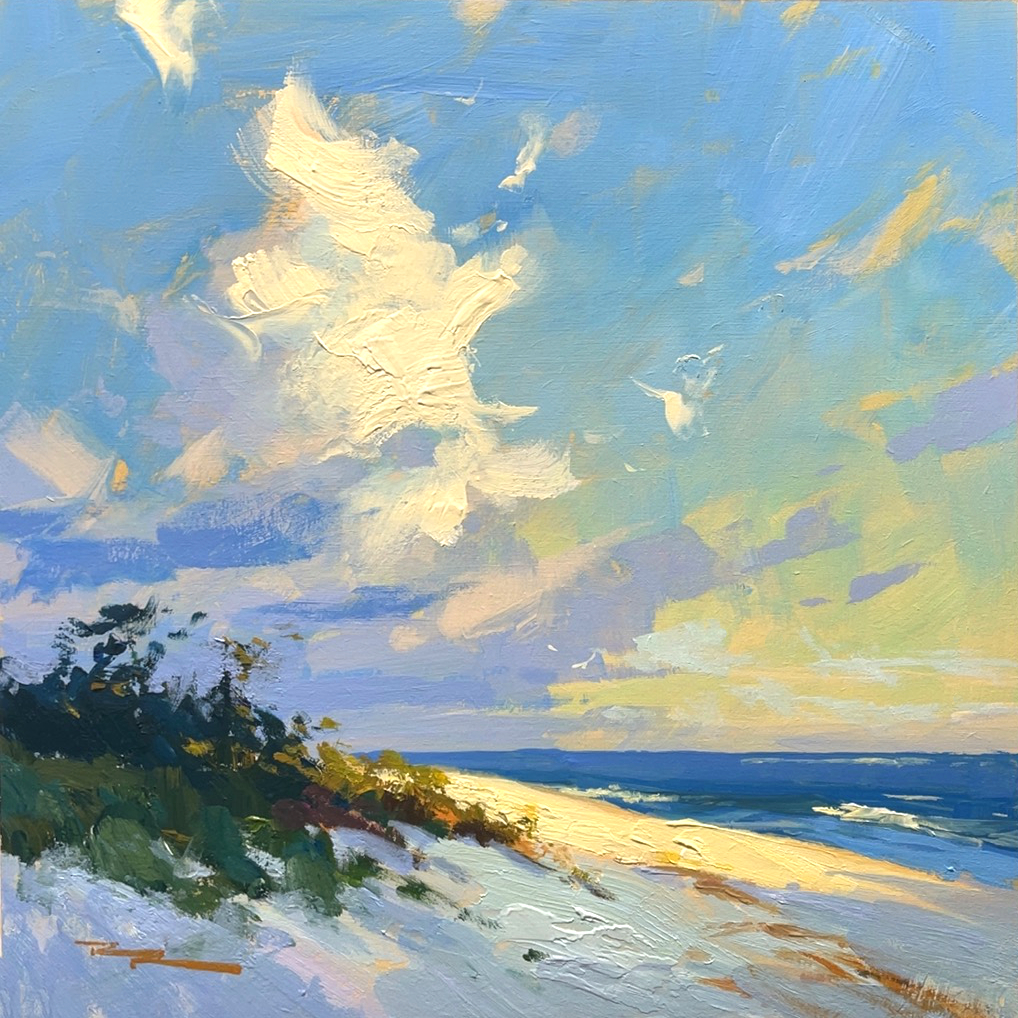
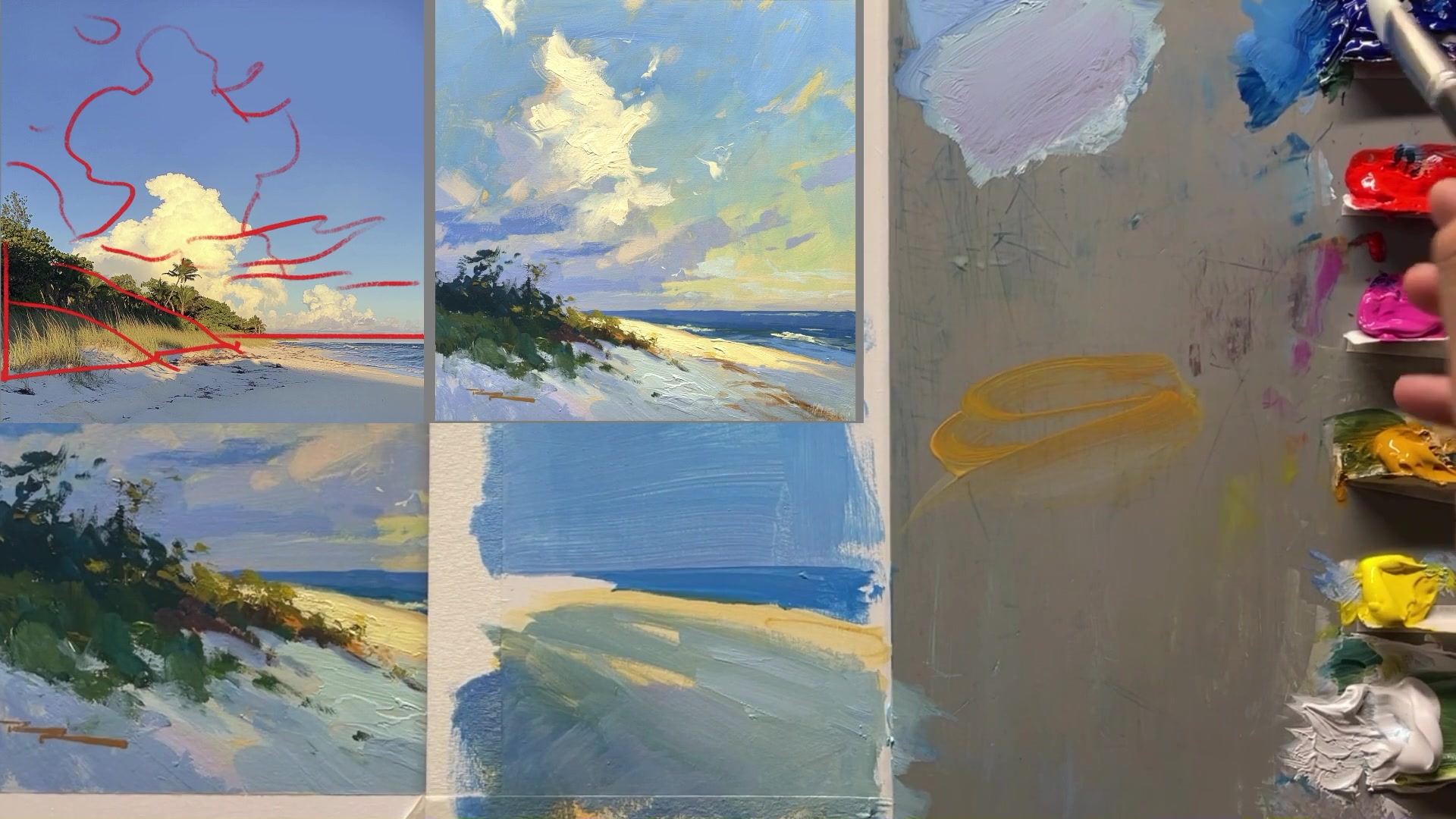
In this chapter, we'll embark on a journey to capture the breathtaking beauty of expressive skies, focusing on a scene that features towering clouds illuminated by the warm, golden light of a tropical sunset. This lesson is designed to help you transform your landscape paintings by enhancing the sky, a key ingredient often overlooked. We'll delve into the art of improving upon photographs for painting, using your heart to design, and understanding the nuances of front lighting. The scene I've chosen is particularly rewarding because it allows us to explore the dramatic interplay of light and shadow, with the volcanic fog adding an orangey glow that enriches the sky's palette. You'll learn to create variety in your clouds through shape, color, edge, and texture, making your paintings more engaging and expressive. By the end of this chapter, you'll have the skills to bring attention to the beauty you see, using just six steps to guide you through the process. Whether you're working with acrylics or oils, this lesson will inspire you to experiment and infuse your work with the vibrant energy of expressive skies.
This guide accompanies the full video lesson. The lesson includes the complete narrated video, the printable PDF chapter, and personalised critique support.
Mix blue, red, and white to start creating the foliage texture. Apply the paint with random brushstrokes to achieve a textured look that mimics detailed foliage from a distance.
Develop Darker Tones
Mix a darker version of your initial color by adding yellow ochre to push it towards green. Consider adding more green for depth. Apply this to the base of the foliage, brushing upwards to simulate growth from the sand.
Adjust for Warmth
To create a warmer tone, add more red to your mix. Use this to neutralize the green by greying it down, as red and green are complementary colors.
Introduce Lighter Greens
Mix a lighter, more colorful green for the shadow areas. Break up the dark shapes with variations of the main color, adjusting around the color wheel for interest.
Enhance Light Areas
For large light areas like the sky, avoid flat color. Create gradations by bending and pushing the color slightly around the color wheel to add variety and maintain viewer interest.
Pro tipTo neutralize a green, add red to grey it down, as they are opposites on the color wheel.
Embark on your painting journey by visualizing the dramatic beauty of tropical skies, where towering clouds meet the warm glow of a sunset. Begin by selecting a front-lit scene to capture the essence of warm, bold colors that define these expressive skies. As you progress, focus on the subtle gradations from light to shadow, which add depth and dimension to your composition.
Prepare your canvas with care, ensuring a smooth base layer that harmonizes with the warm tones of your scene. Use a well-chosen palette to bring your vision to life, selecting colors that convey the mood and atmosphere you wish to express. As you block in the sky and paint the clouds, pay attention to the transitions and textures that create a natural and inviting atmosphere.
In the final stages, add details and texture to enhance realism and interest. Use techniques like impasto and soft blending to capture the vibrant energy of the scene. Remember to sign your work with a touch of color that complements your composition, and don't hesitate to modify elements to highlight what you love most. Your painting is a reflection of your unique perspective and artistic expression.
Points to remember
Use volcanic fog effects to add a warm, orangey glow to your skies.
Place the darkest shadows on the sides of objects to emphasize their rounded forms.
Increase the cloud size to make it the focal point and allow more warm colors to enrich the painting.
Always dip brushes in water when using acrylics, unless using a dry brush for softening edges or blending.
Work from light to dark to prevent dulling the colors and achieve a glowing light effect.
Soften edges by smudging with your finger to create natural-looking clouds.
Use a light spray to keep colors wet, allowing for easier blending and softer edges.
Don't be afraid to modify an image to expressively highlight what you love about the scene.